 Activity Cleaner
No password, ever
It uses the Instagram login already open in Chrome. We never see or store it.
Activity Cleaner opens Instagram's Reposts page and removes your reposts in batches until your profile is clear.
It uses the Instagram login already open in Chrome. We never see or store it.
Your lists and history never leave this browser. We only keep an anonymous count of your free removals.
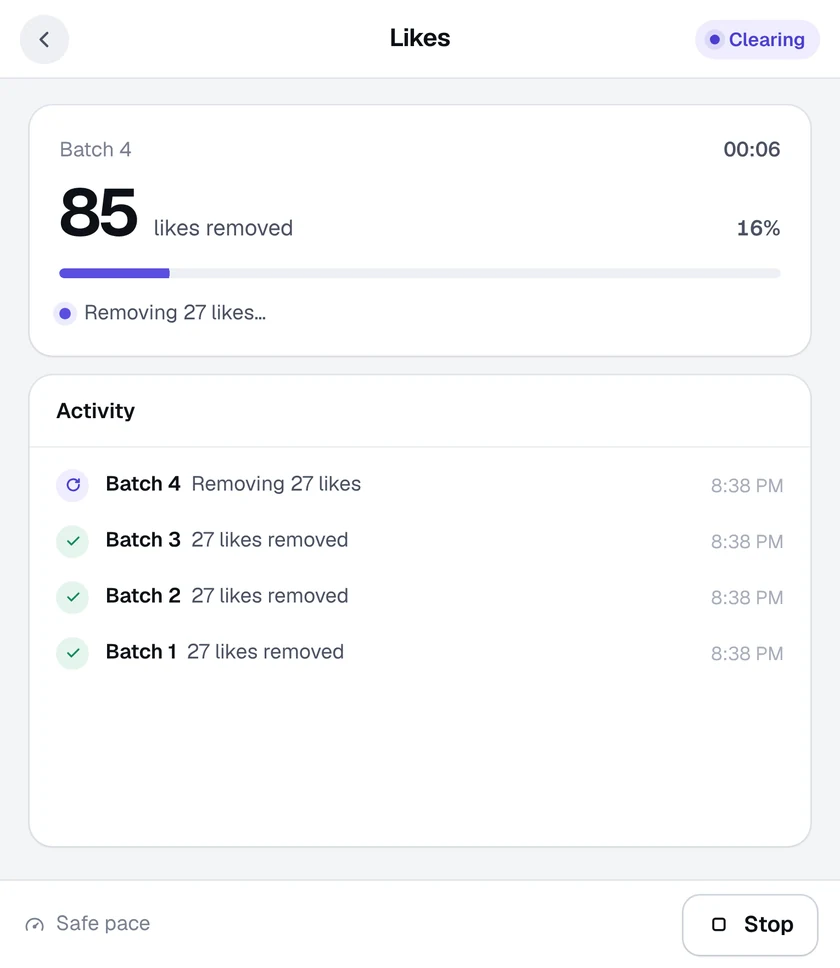
Work happens in small batches with a safety pause between them, tuned for each tool.
Click the Activity Cleaner icon and choose Reposts. Your Reposts page opens.
Press Start clearing to remove your reposts batch by batch.
When the page is empty, every repost is gone from your profile.
No. Only your repost is removed. The original stays on its owner's profile.
The Reposts tool reads Instagram's Your activity page. If it asks for English, switch Instagram's language to English in Settings, reload the page and try again.
Yes, up to 25 removals every 24 hours across all tools. Pro removes the limit.

Add Activity Cleaner to Chrome, open Instagram and pick a tool. Your first 25 removals are on us, every day.